Free AI Image Generator & Editor
Create images from text, edit photos with prompts, replace backgrounds, and make product-ready visuals. Start free with top AI models.
Every top model, one balance
Nano Banana, GPT Image, Seedream and more — pick a model and start creating.
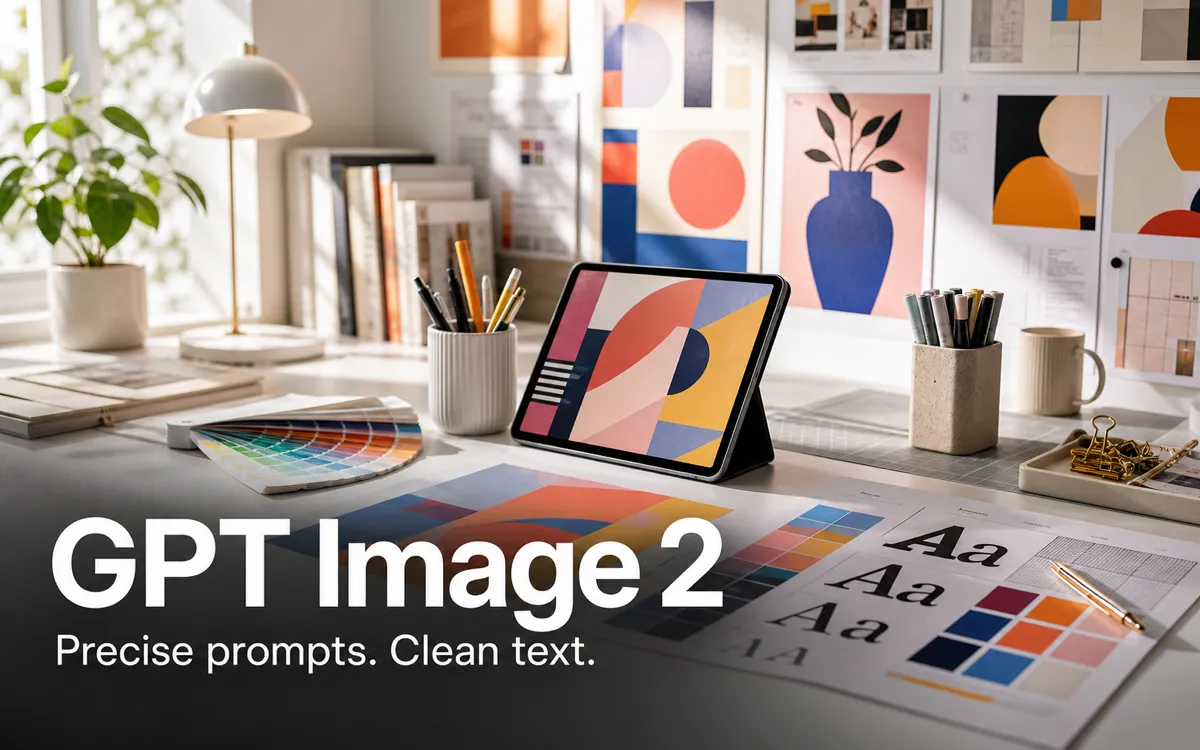
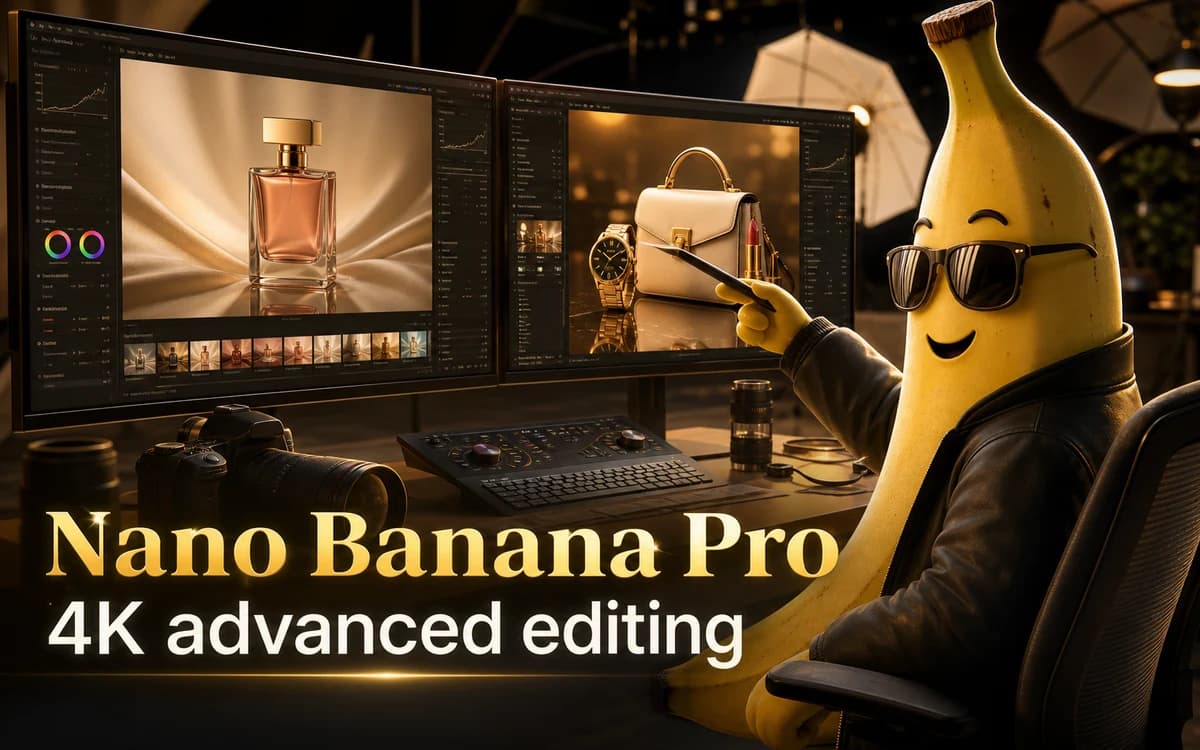
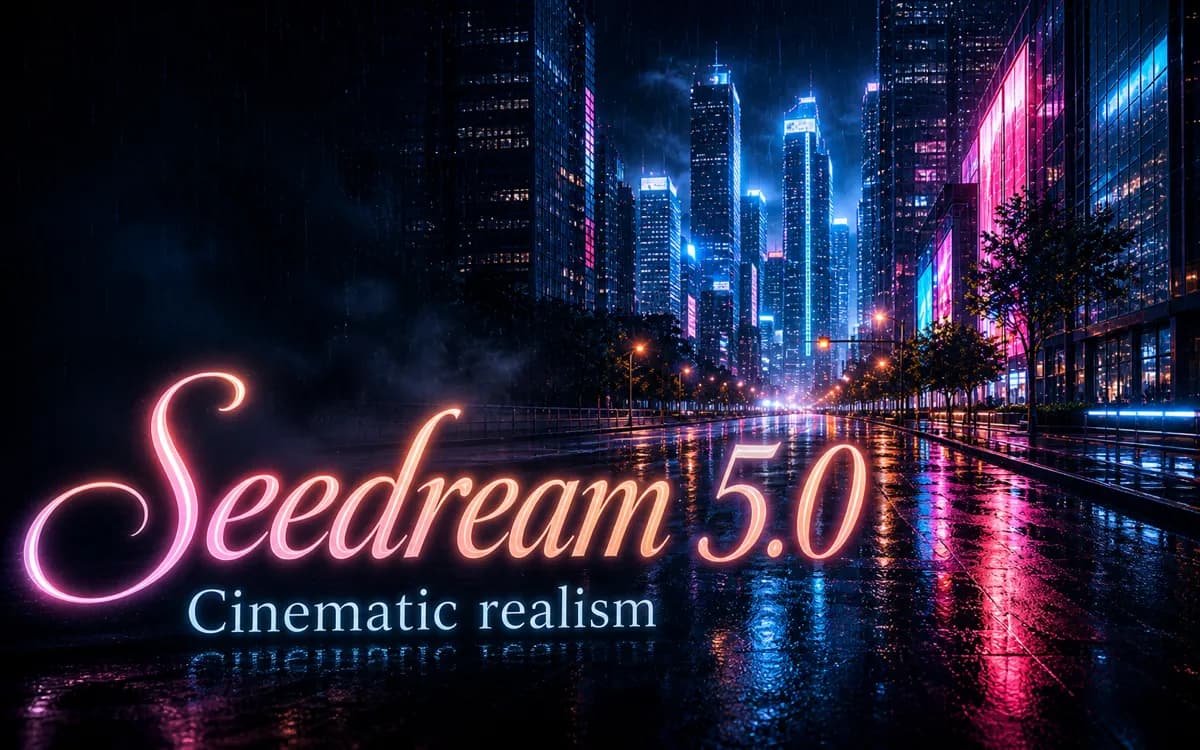
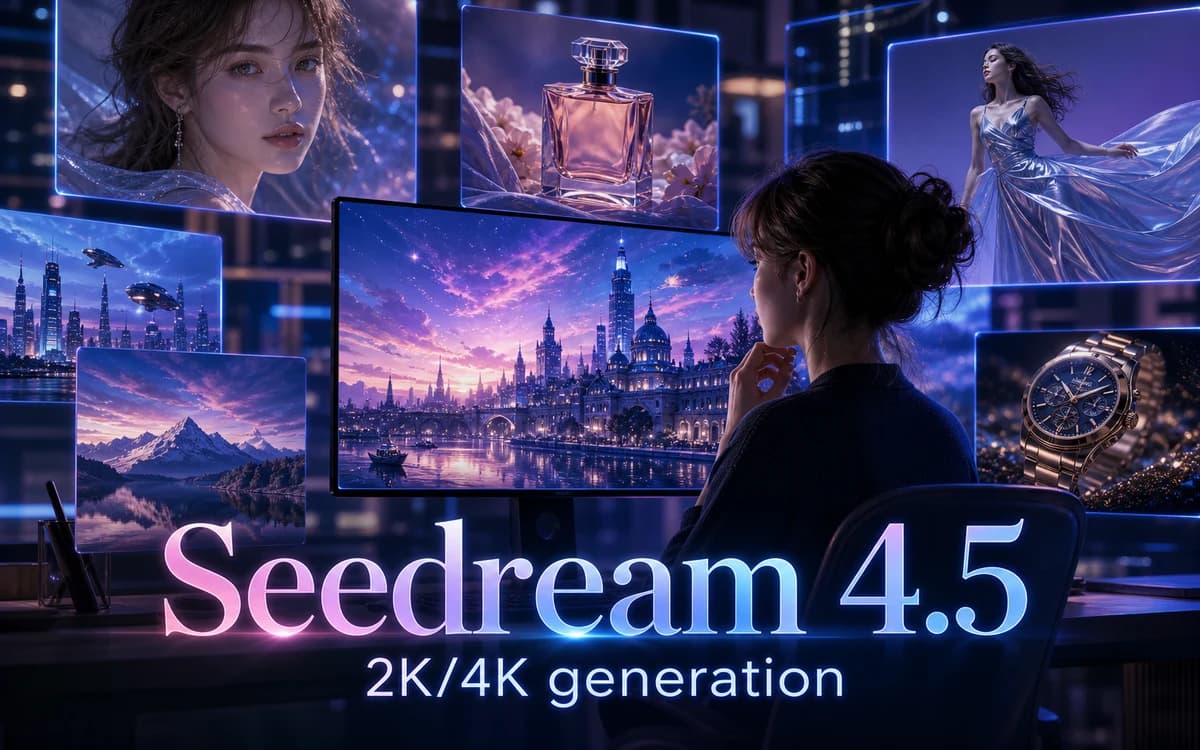
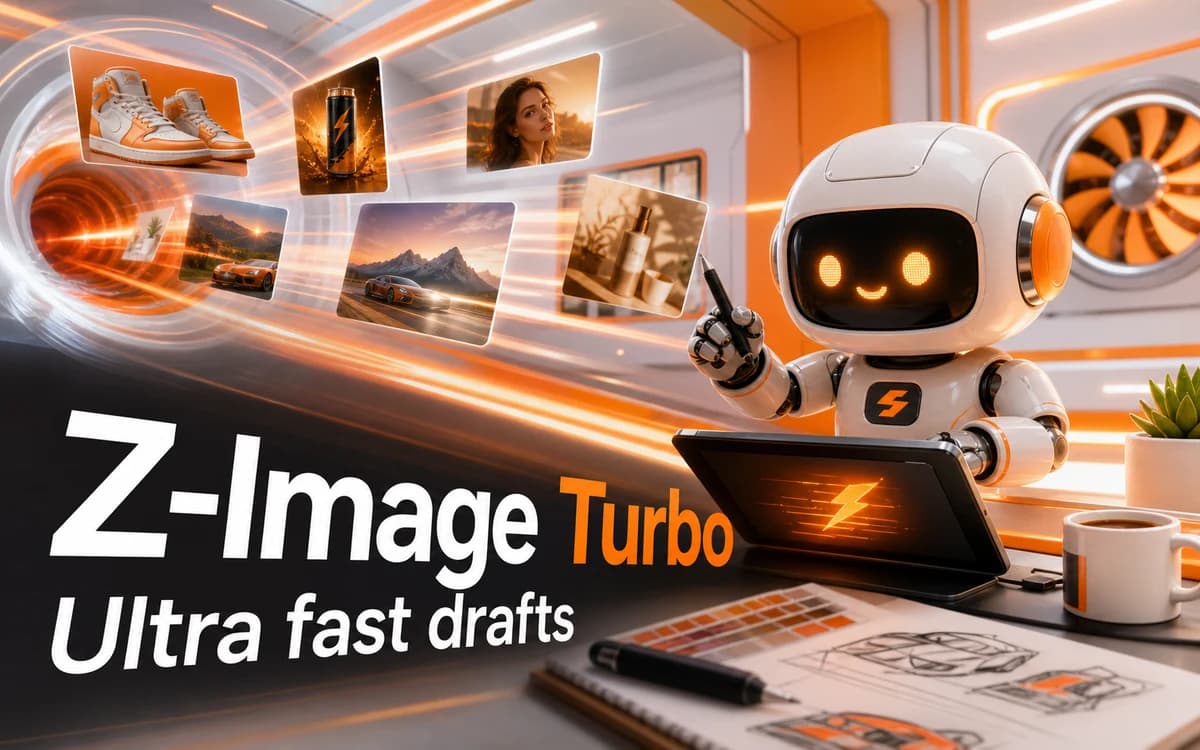
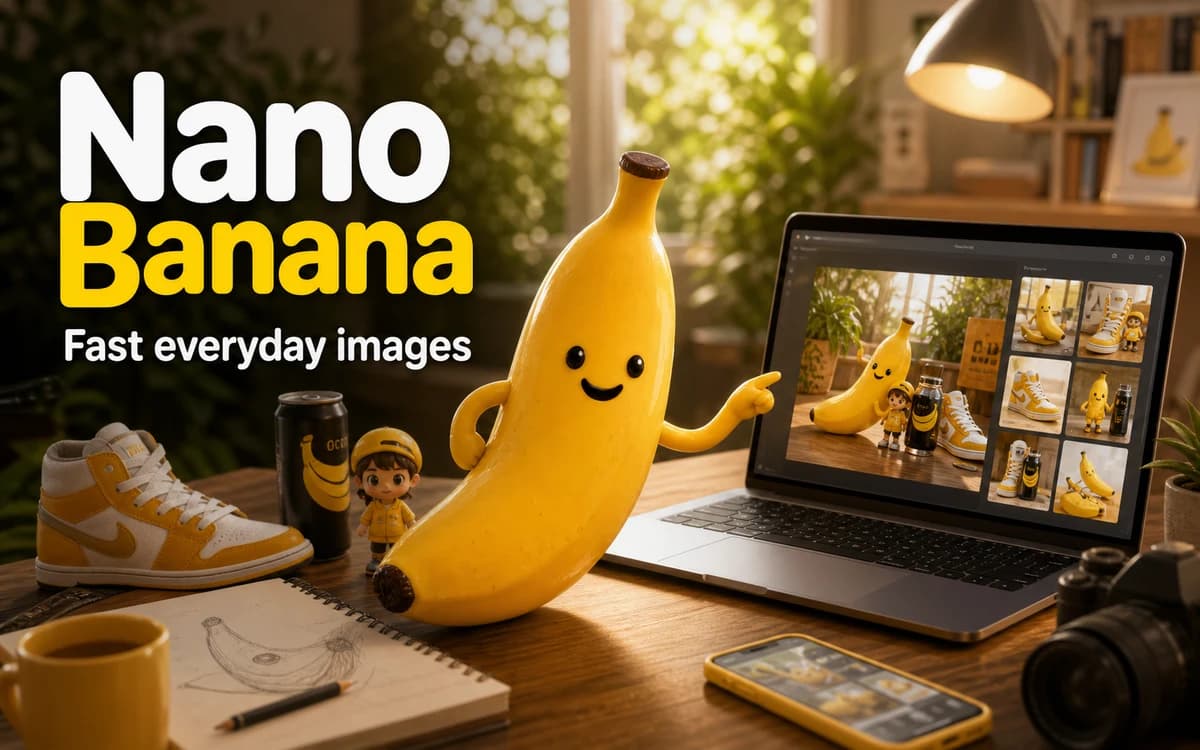
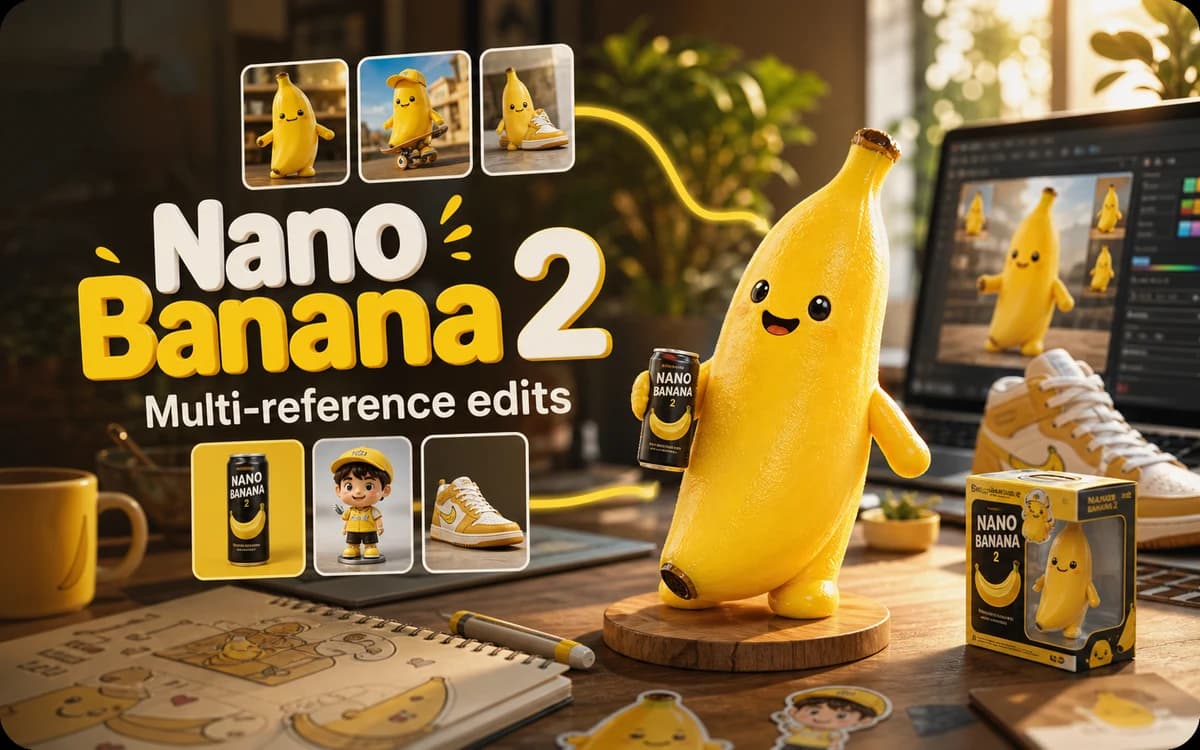
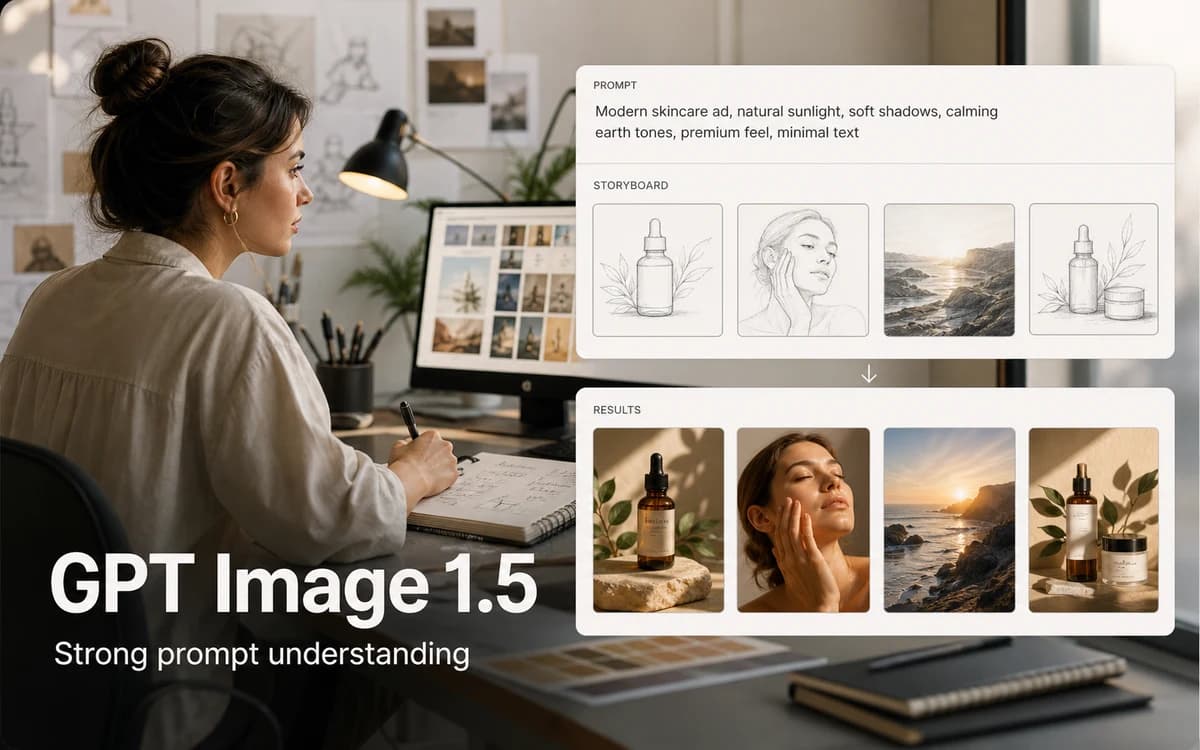
Edit any image with AI
Enhance product shots, restyle photos, and uncrop to any aspect ratio — all from one studio.
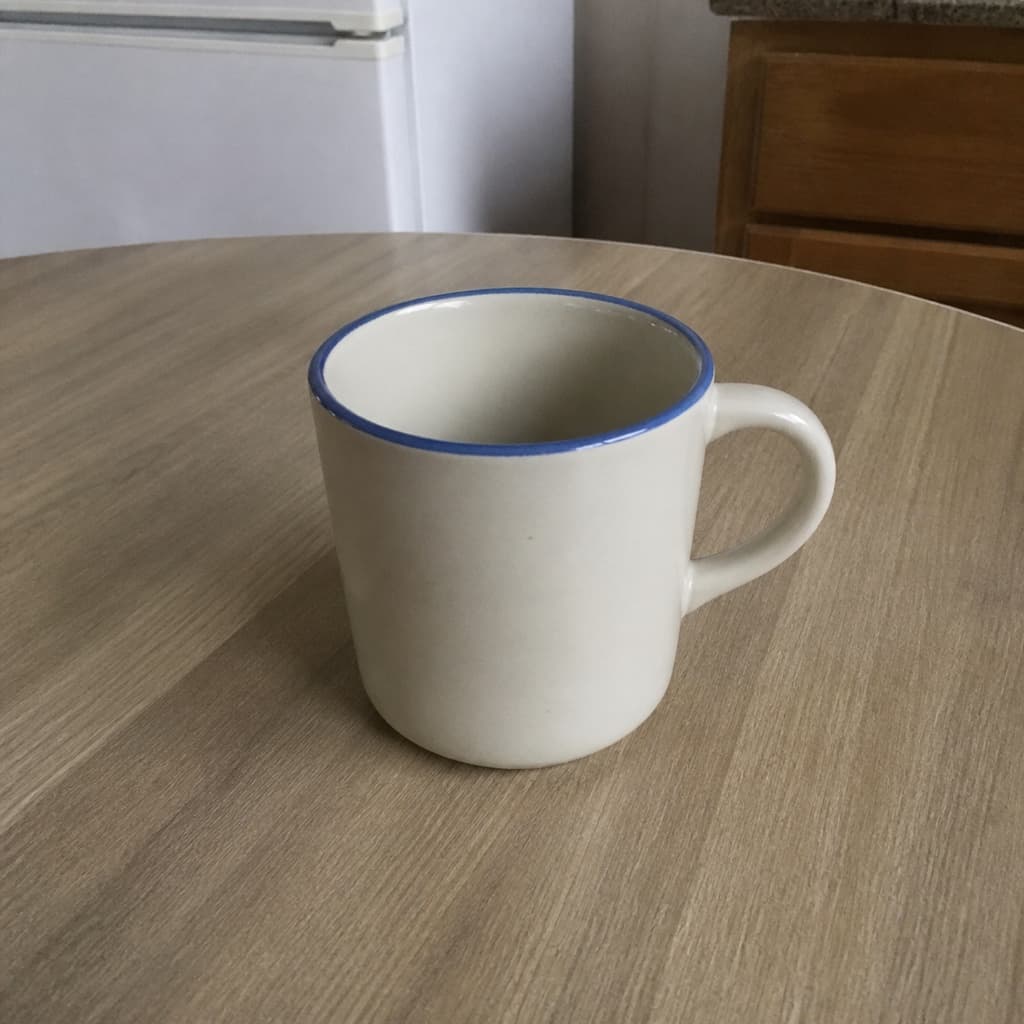
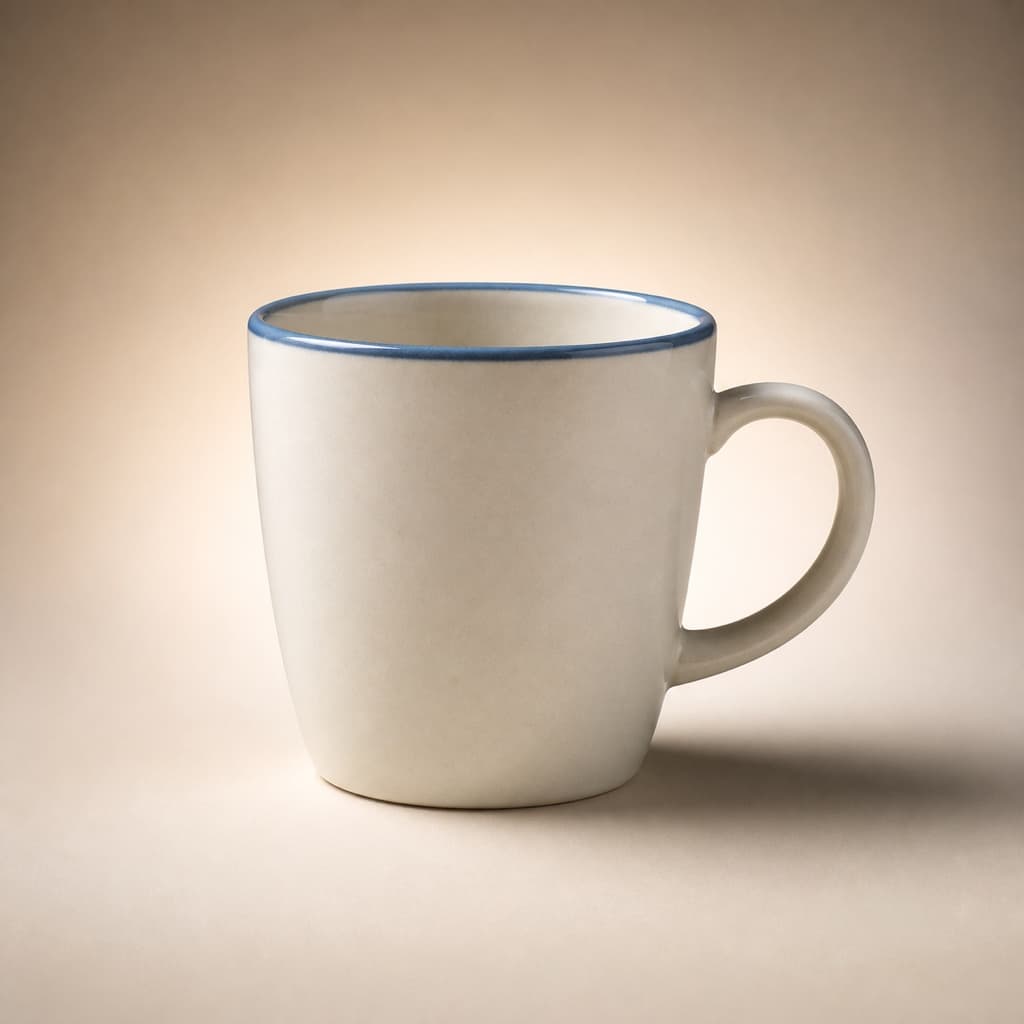

 BeforeAfter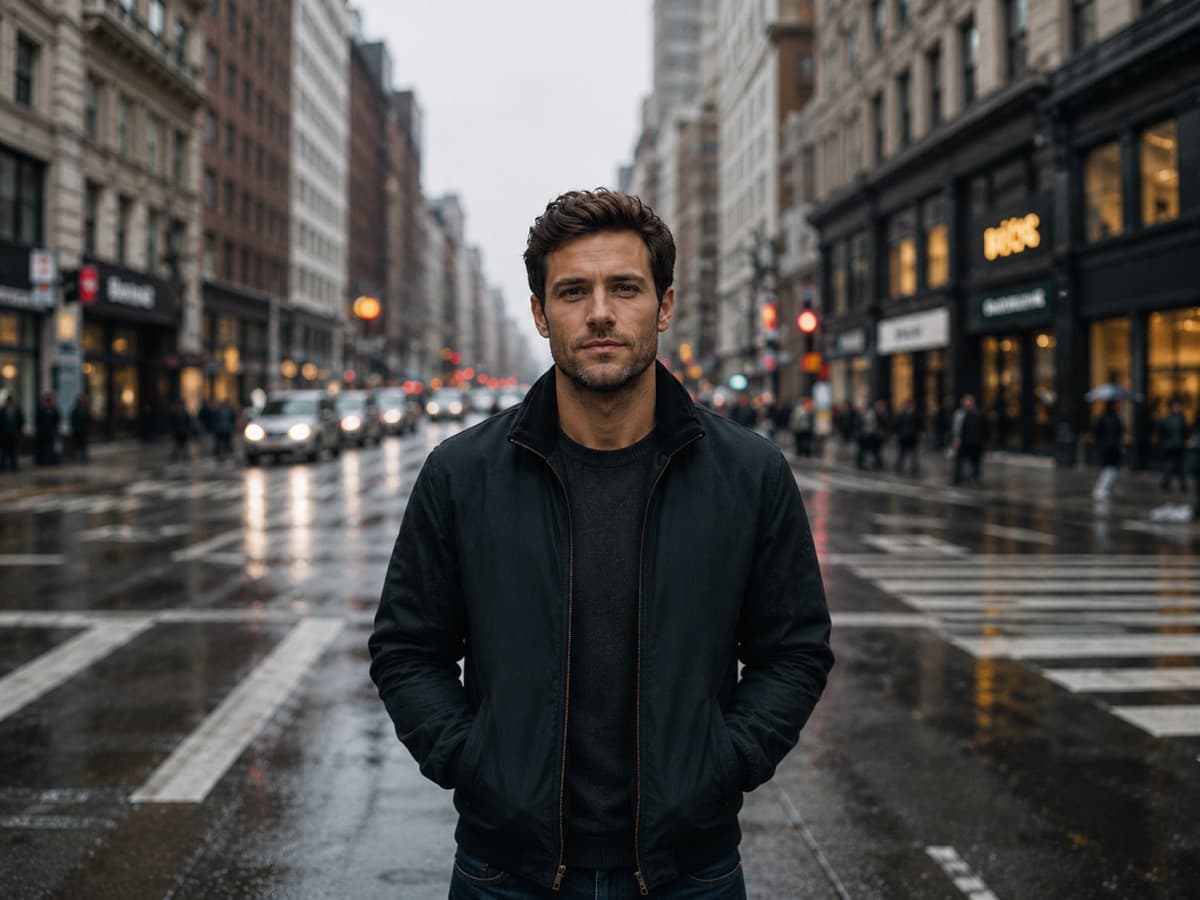
Free AI Image Generator and Editing Tools
Use the free AI image generator for text-to-image, then edit, upscale, restore, and stage product shots with the same credit balance.
Turn text prompts into high-quality images with leading AI image models.
Upload a photo and describe the change in plain words.
Swap the background in one click — perfect for product and profile shots.
Turn a plain product shot into polished, listing-ready imagery.
Enhance and upscale photos to sharp 4K — fix blur, recover detail.
Repair old, damaged, or faded photos — remove scratches, restore color.
Turn a casual selfie into a professional headshot for LinkedIn and resumes.
Made with Avyn AI
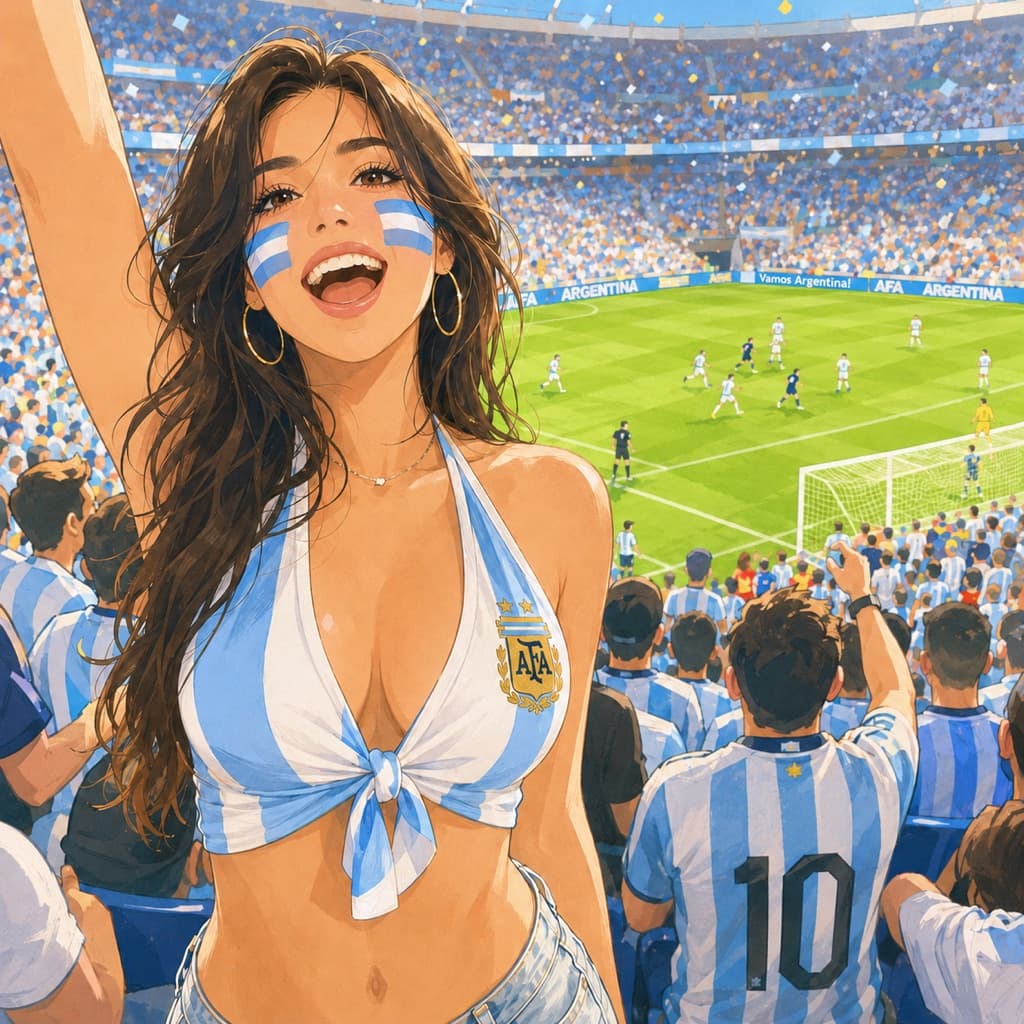
Hover any image to see the exact prompt — then make it your own.
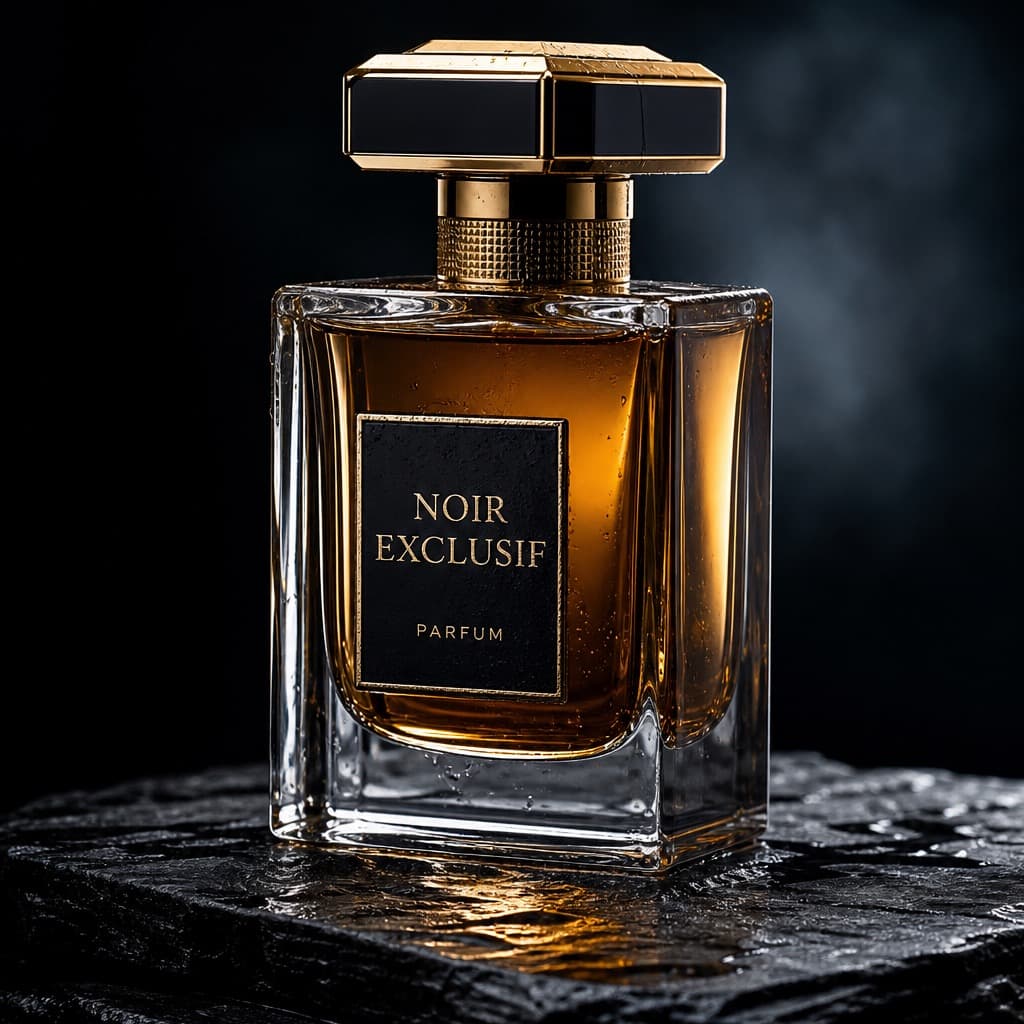
a luxury perfume bottle on wet stone, studio product photography, dramatic rim light, dark moody background
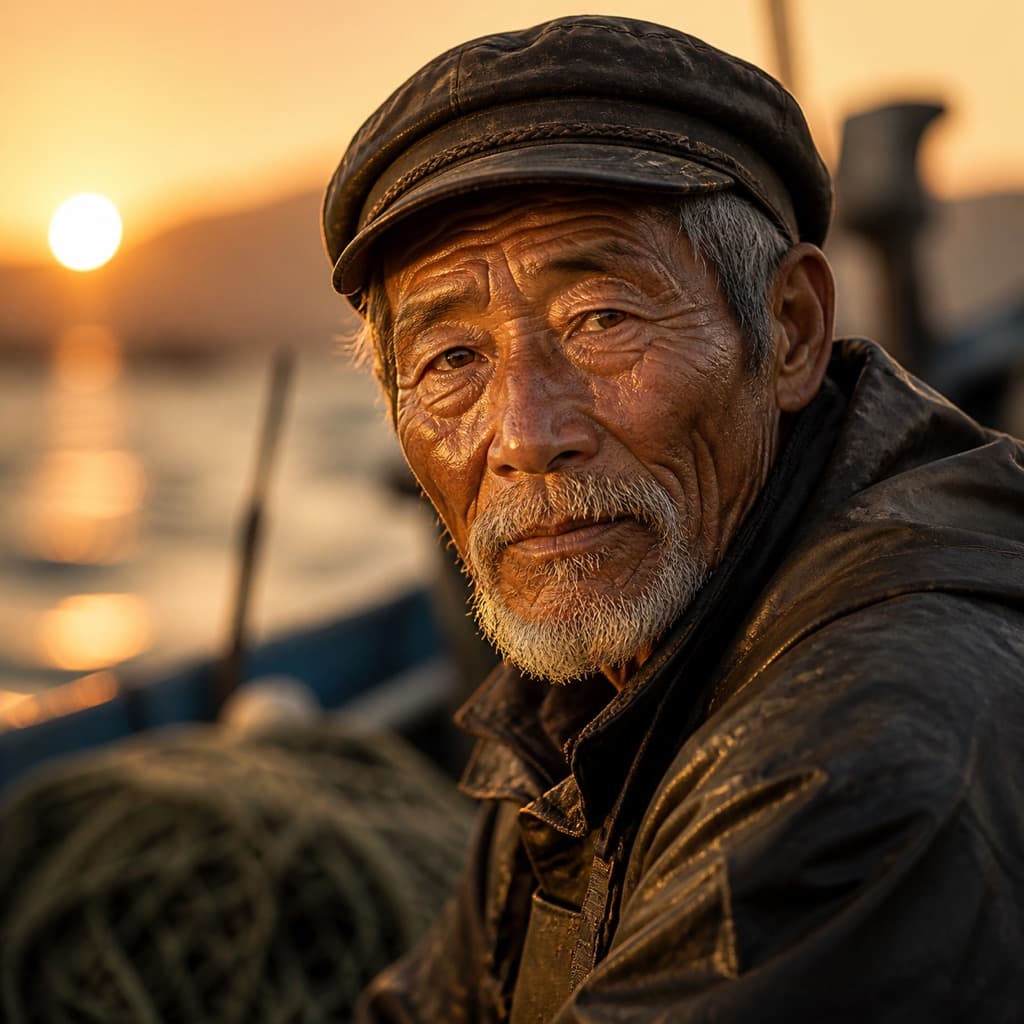
cinematic portrait of an elderly fisherman, weathered face, golden hour, shallow depth of field, 85mm
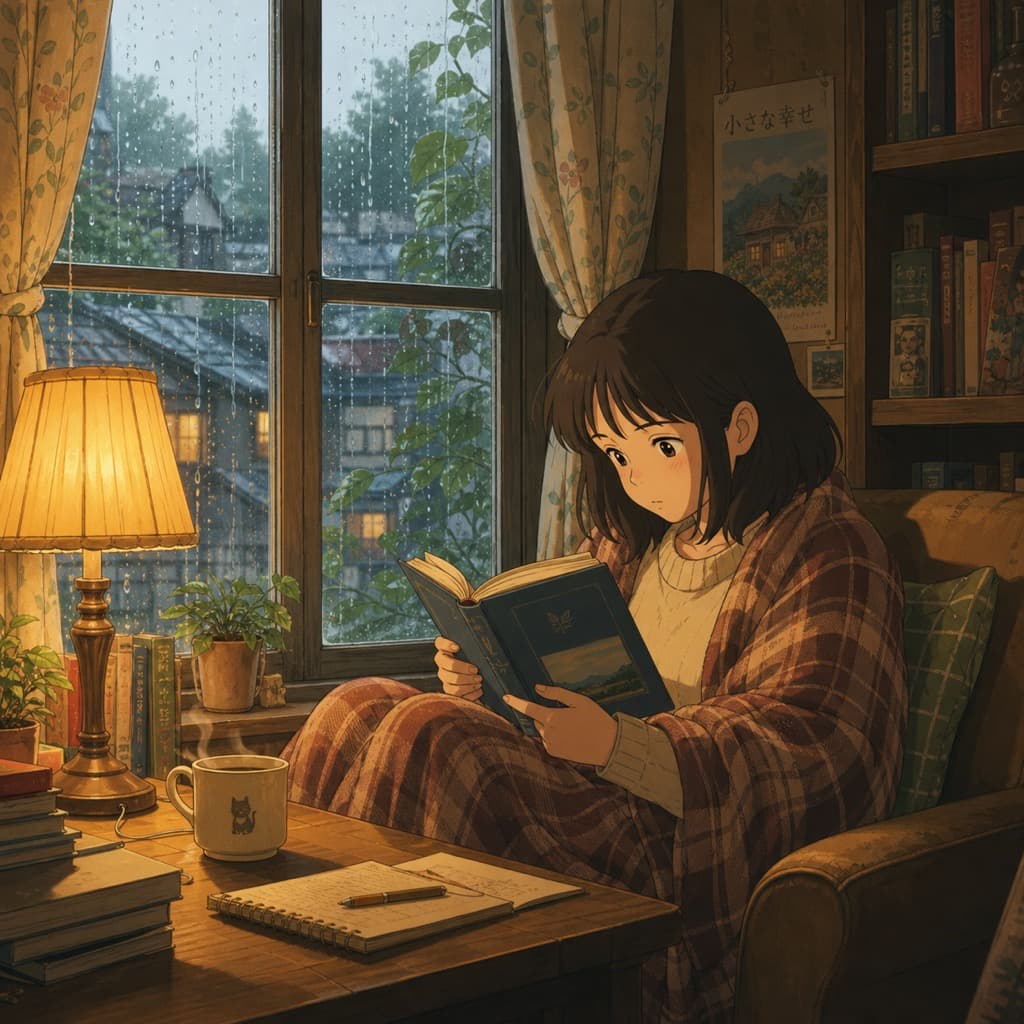
cozy anime illustration of a girl reading by a rainy window, warm lamplight, Studio Ghibli style
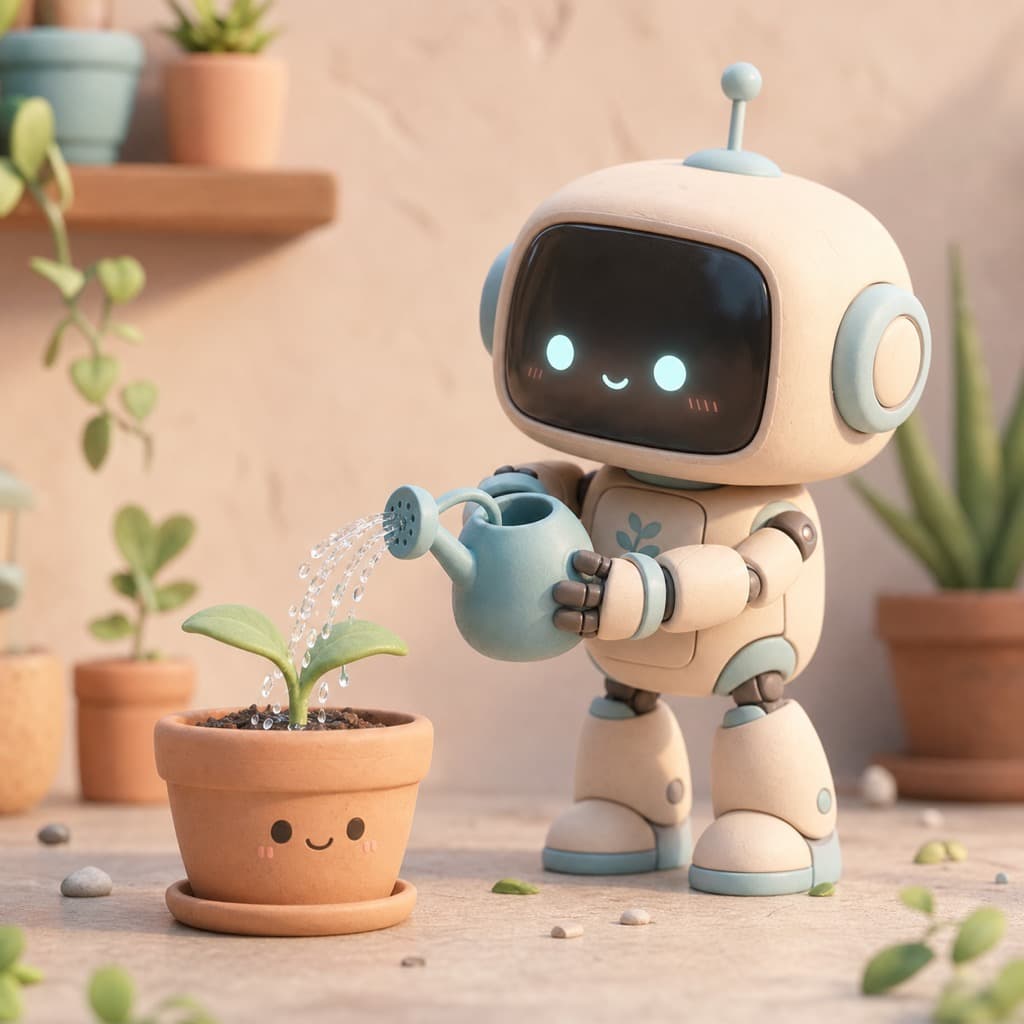
cute 3D render of a tiny robot watering a plant, soft clay material, pastel colors, octane render
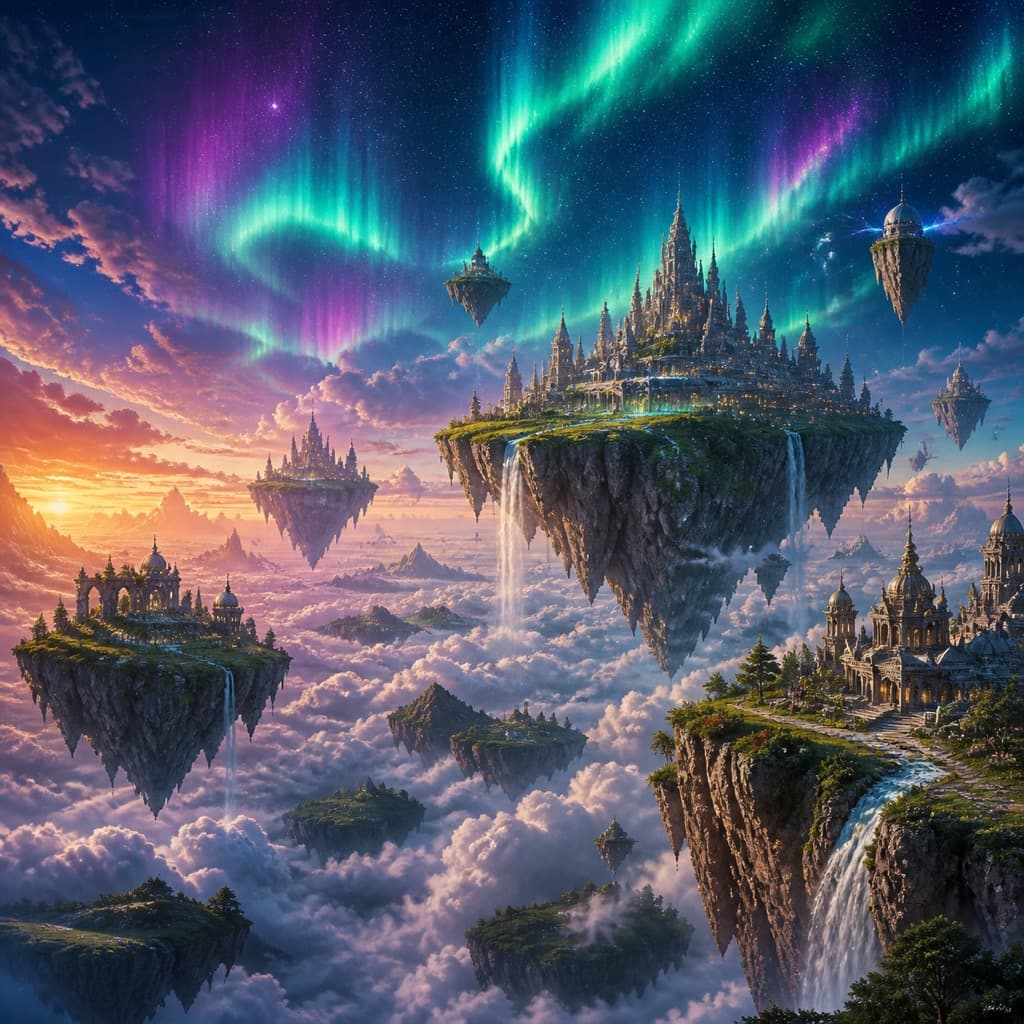
epic fantasy landscape, floating islands above a sea of clouds, aurora sky, highly detailed digital painting
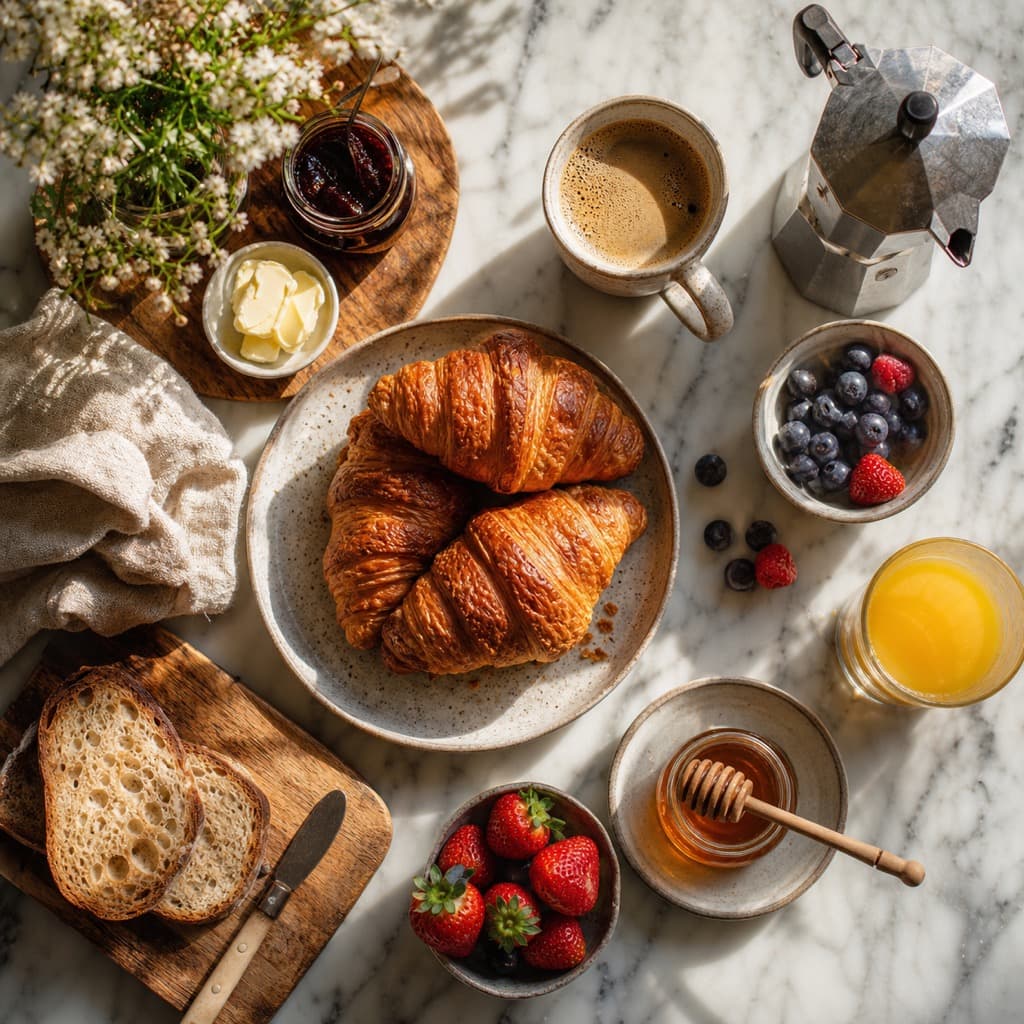
overhead food photography of a rustic breakfast spread, croissants and coffee, natural light, marble table
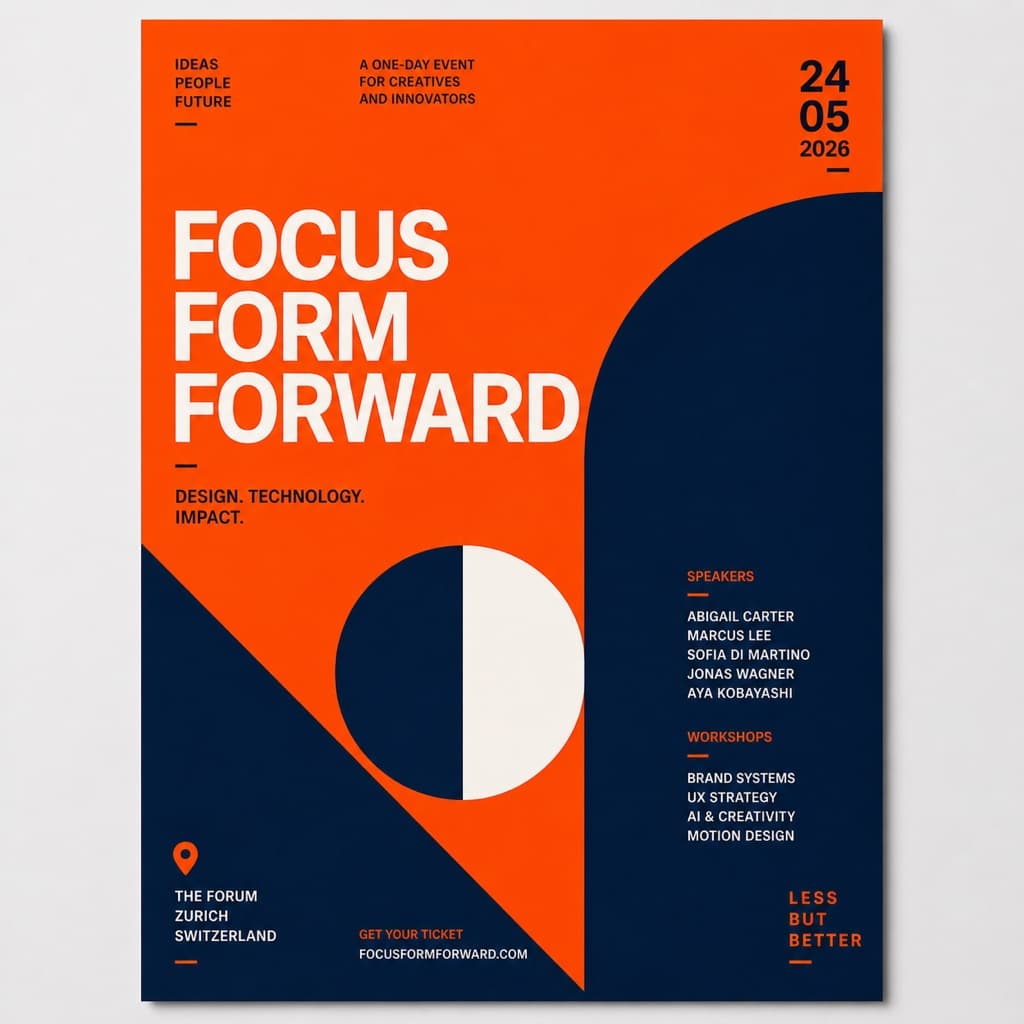
bold minimalist event poster, abstract geometric shapes, vibrant orange and deep navy, swiss typography vibe
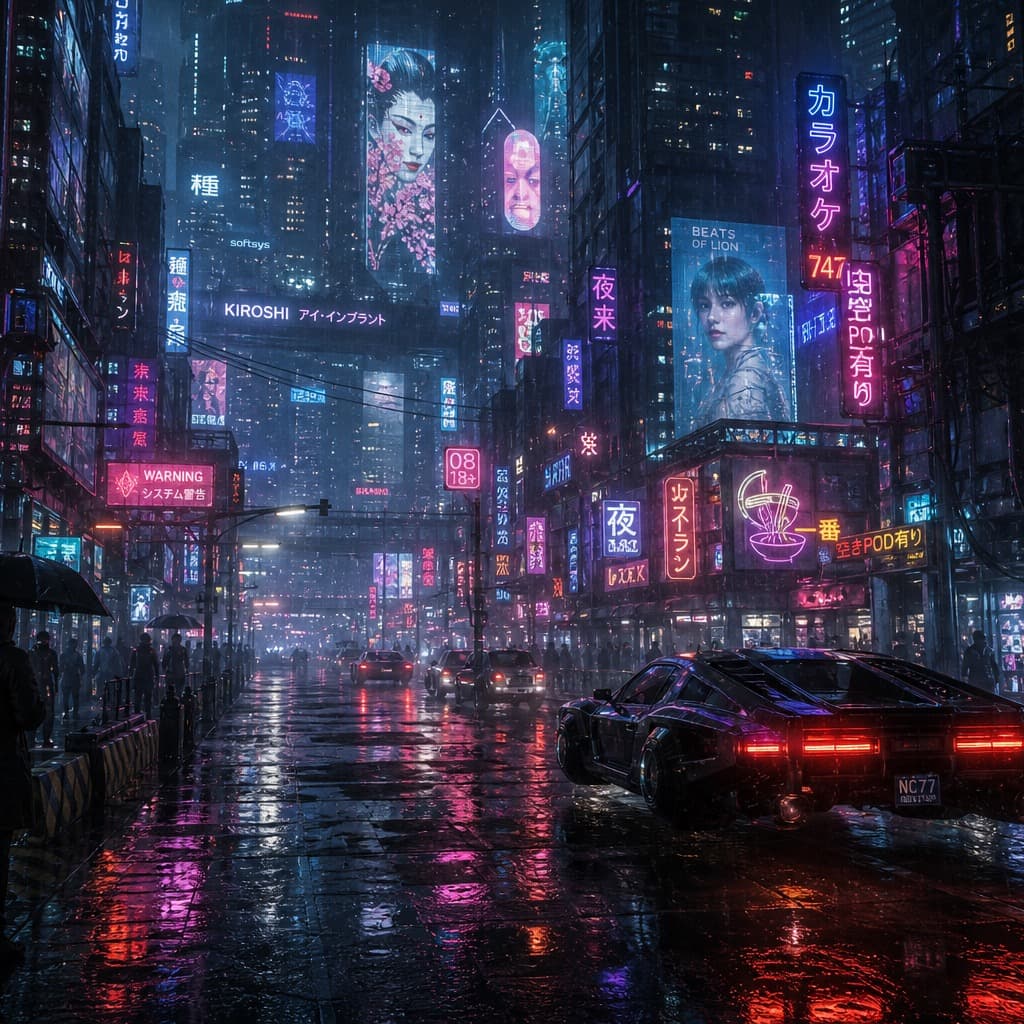
futuristic cyberpunk street at night, neon signs, rain reflections, blade runner atmosphere
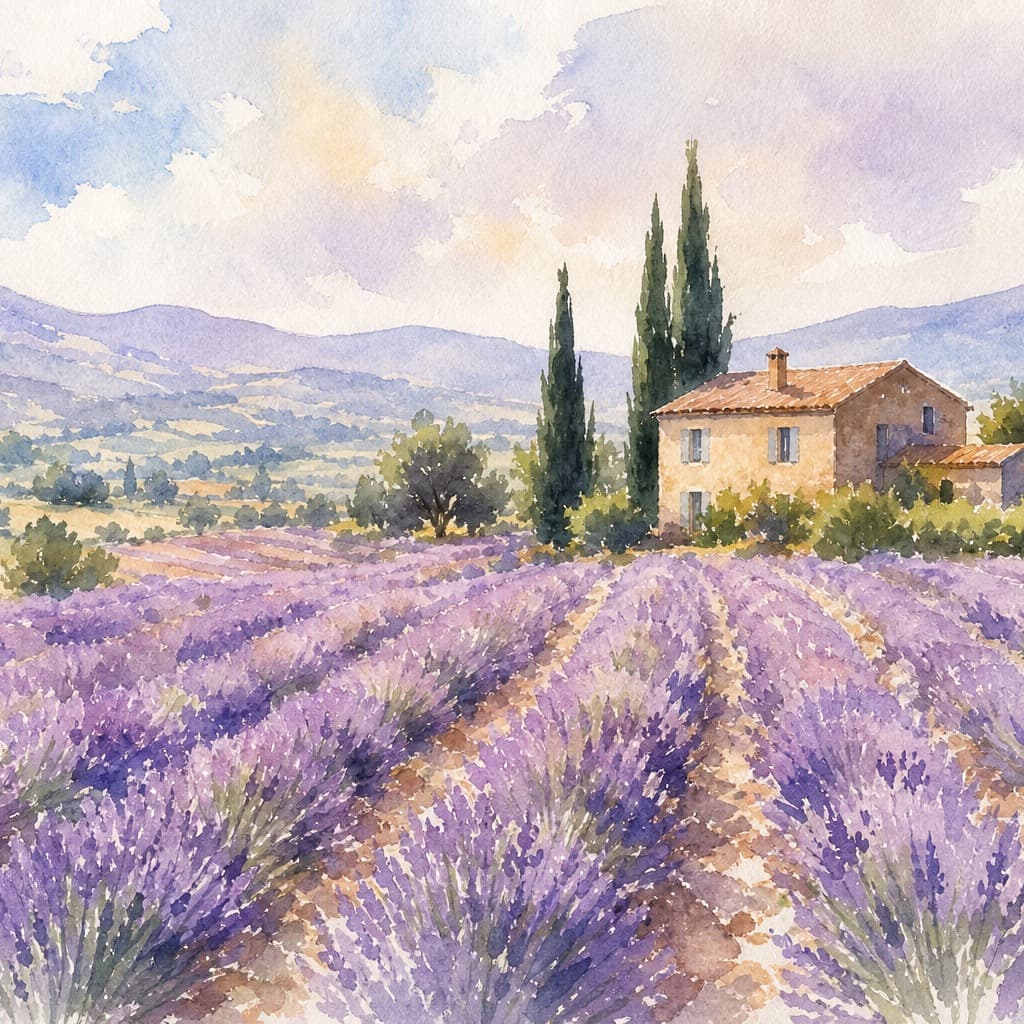
serene watercolor painting of lavender fields in provence, soft pastel washes, loose brush strokes
One subscription. Every top model.
Every leading image model and a full kit of creative tools, on a single credit balance.
Every top model, one place
Nano Banana, GPT Image, Seedream and more under one subscription — no juggling separate tools or API keys.
Every tool, one credit balance
Generator, Editor, Background Replace, Product Photo, Upscaler and more — your credits work across every tool.
Commercial-ready output
Every paid plan delivers watermark-free, high-resolution images with a commercial use license.
Seconds, not minutes
An optimized pipeline returns results in seconds, so you can iterate fast instead of waiting.
Any style you need
Photoreal, anime, 3D, product, illustration — switch styles in a single click.
Always the latest models
New top models are added as they ship — Seedream 5, Nano Banana Pro and beyond — at no extra cost.
Simple pricing that scales with you
Free downloads include a watermark. Upgrade for clean, high-resolution images and a commercial license.
Free
Try every model, on us
- 20 credits on signup
- Every top model included
- All image tools included
- Downloads include a watermark
- Personal use only
Starter
Billed annually
For individuals getting started
- 1,200 credits / month
- Every top model included
- All image tools included
- No watermarks
- Commercial use license
- Email support
Standard
Billed annually
For creators shipping regularly
- 4,000 credits / month
- Every top model included
- All image tools included
- No watermarks
- Commercial use license
- Priority support
Premium
Billed annually
For high-volume professional use
- 12,000 credits / month
- Every top model included
- All image tools included
- No watermarks
- Commercial use license
- Priority support
- Dedicated support
Frequently asked questions
Everything you need to know before getting started.
Is Avyn AI a free AI image generator?
Yes. Avyn AI is a free AI image generator and editor that brings leading image models together in one studio. New accounts receive free credits to generate images from text, edit existing ones, replace backgrounds, and create product photos before choosing a paid plan.
Do I need design or prompting skills?
No. Just describe what you want in plain language and pick a model. Start with a fast, low-cost model to iterate, then switch to a higher-quality model for the final image.
Which AI models can I use?
Avyn AI offers a range of image models from OpenAI, Google, ByteDance, and Alibaba — including the Nano Banana family, GPT Image, Seedream, and Z-Image Turbo. You can switch between them anytime, and they all share the same credit balance.
How do credits work?
Every paid plan includes a monthly credit balance. Each image job spends credits based on the model and output quality you choose — a fast draft model costs very little, while high-resolution flagship models cost more. The exact cost is always shown before you generate.
What do the plans include?
Plans are billed monthly and your credits reset at the start of each period. Choose the plan that fits your volume — see the pricing section above for current credits and prices — and upgrade anytime as your work grows.
Will credits be deducted if a generation fails?
No. If a generation fails under supported conditions, the credits for that job are automatically refunded to your balance — there is nothing you need to do.
Do generated images have a watermark?
Images created on a free account carry a small Avyn AI watermark. Paid and trial subscribers receive clean, watermark-free images.
Can I use the generated images commercially?
Yes. Subject to our Terms of Service and applicable law, paid subscribers can use generated images for personal and commercial projects. You are responsible for making sure your prompts and any uploaded images do not infringe the rights of others.
How do I sign in?
Sign in with Google to start. New accounts receive free credits so you can try Avyn AI before subscribing.
How do subscriptions, cancellation, and refunds work?
Subscriptions are billed monthly through Creem and renew automatically until you cancel. You can cancel anytime — future renewals stop and you keep access until the current period ends. Refund details are covered in our Terms of Service.
From the blog
Image workflow guides and product updates.
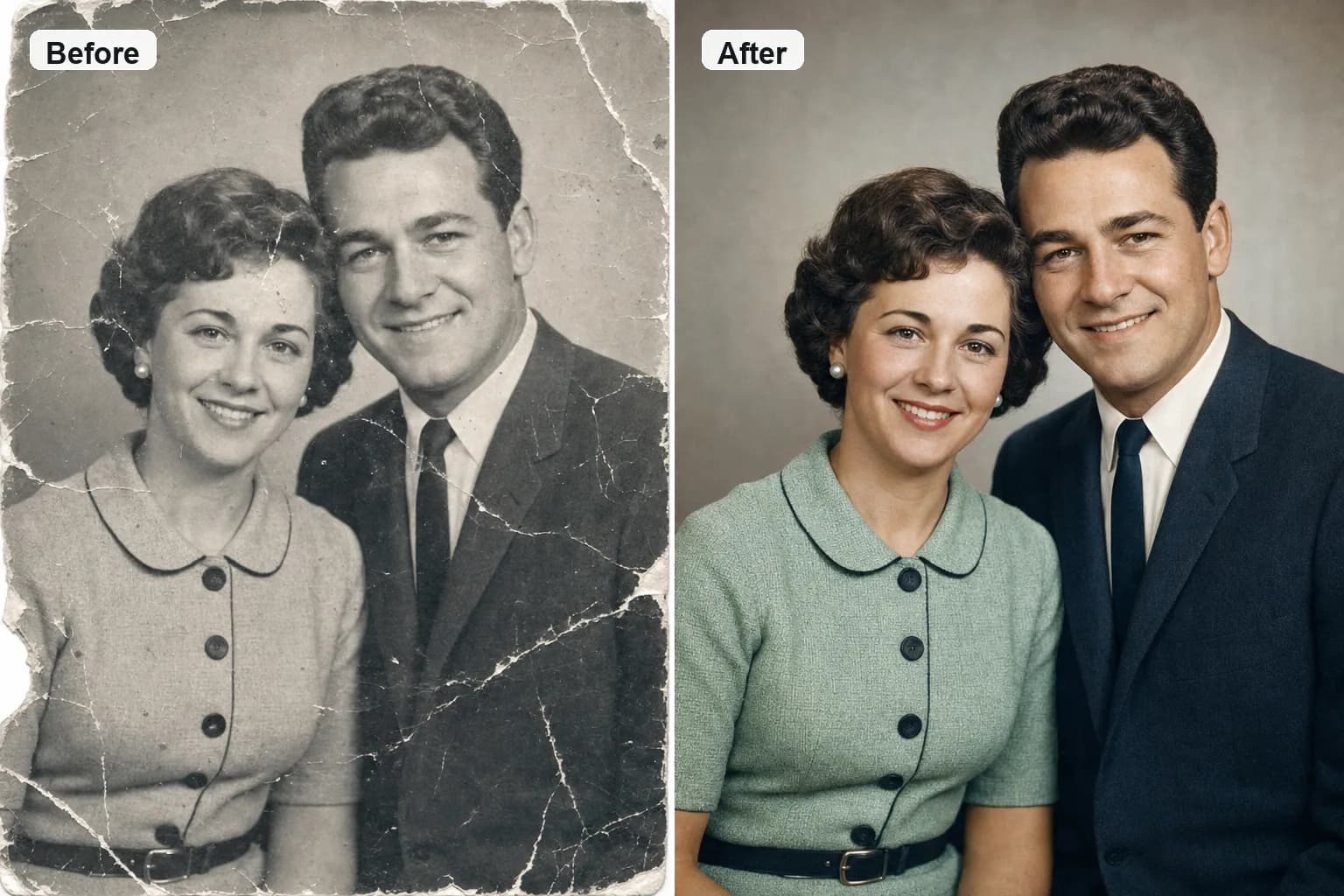
How to Restore Old Photos with AI: A Complete 2026 Guide
Restore, repair, and reconstruct old photos with AI — remove scratches, fix fading, rebuild torn areas, sharpen faces, and colorize black-and-white pictures. Step-by-step, with the settings that actually work.

Which AI Image Model Should You Use? A Practical 2026 Guide
Nano Banana, GPT Image 2, Seedream 5.0, Z-Image Turbo — a practical guide to picking the right AI image model for drafts, text, realism, editing, and 4K output.

Nano Banana Prompt Guide: Better Generations and Cleaner Edits
How to write prompts for Google's Nano Banana models — natural-language rules, editing instructions that preserve faces and products, and when to step up to Nano Banana 2 or Pro.
Ready to turn ideas into images?
Start with a monthly credit plan, explore every image tool, and upgrade only when your creative volume grows.