Nano Banana Prompt Guide: Better Generations and Cleaner Edits
How to write prompts for Google's Nano Banana models — natural-language rules, editing instructions that preserve faces and products, and when to step up to Nano Banana 2 or Pro.
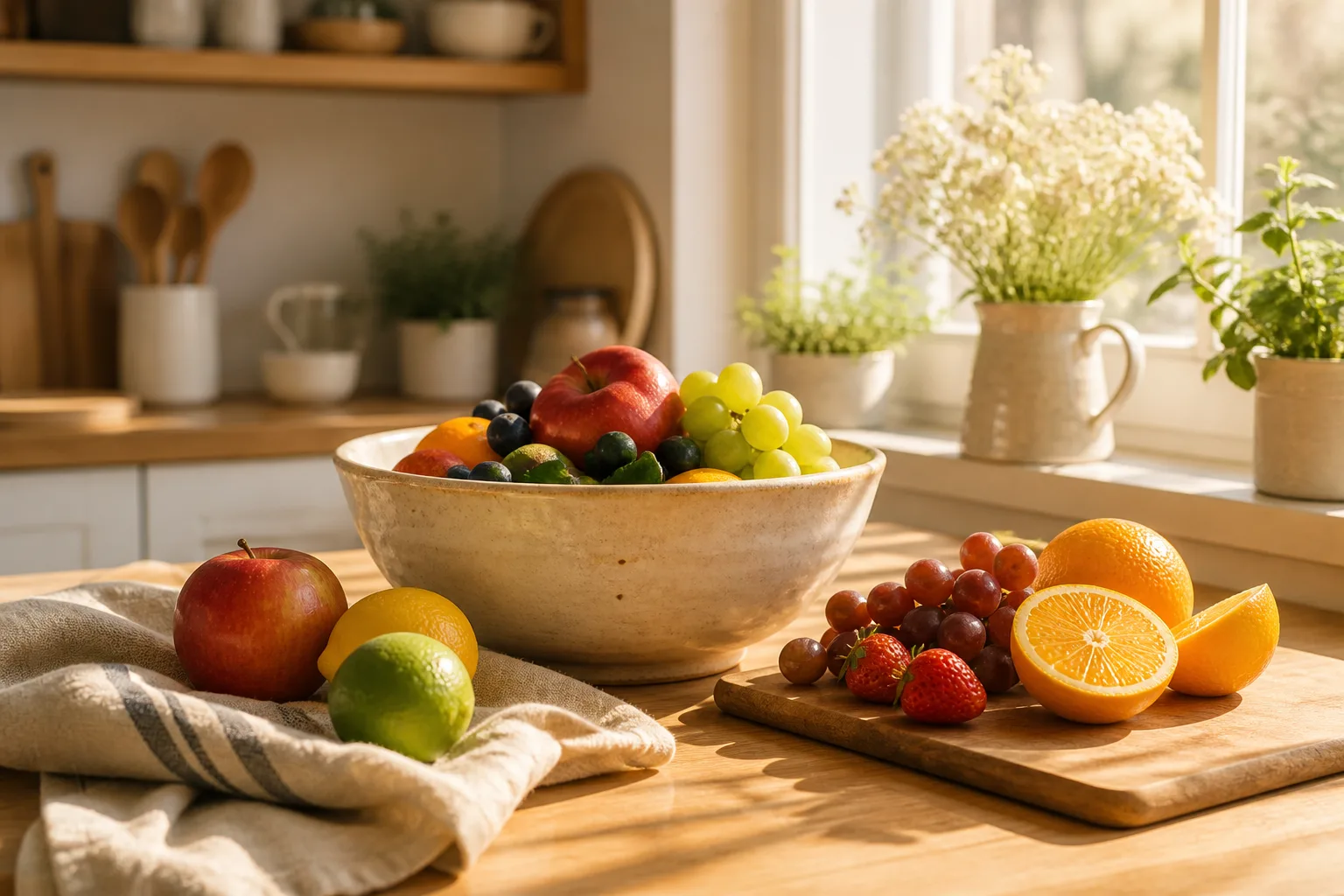
Nano Banana became the internet's favorite image model for a simple reason: it does what you say. That also means prompting it is different from older models — keyword soup wastes its biggest strength. Here is what actually works.
Rule 1: Write sentences, not tags
Nano Banana inherits strong language understanding, so talk to it like a photographer, not a search engine.
Weak: woman, coffee shop, cozy, 4k, masterpiece, best quality
Strong: A woman reading by the window of a cozy coffee shop on a rainy afternoon, soft warm lamplight, shallow depth of field, shot on an 85mm lens.
Subject → setting → lighting → camera. One clear sentence beats ten adjectives.
Rule 2: For edits, say what must NOT change
Editing is where the Nano Banana family shines, and the highest-leverage trick is stating the invariants:
Replace the background with a clean white studio backdrop. Keep the person's face, pose, and clothing exactly the same.
Without the second sentence, models take creative liberties. With it, Nano Banana is remarkably disciplined. This is exactly how the presets in our AI Image Editor and Background Replace tools are written — steal the pattern for your own prompts.
Rule 3: One change per generation
Batching instructions ("remove the person on the left, brighten the sky, and make it look vintage") multiplies the chance one of them lands wrong. Chain single edits instead — each result becomes the input for the next change. Cheap, controlled, reviewable.
Rule 4: Name the light
Nano Banana responds to lighting vocabulary more than any other style lever:
soft window light— natural portraitsgolden hour backlight— warm lifestylestudio softbox, even lighting— product shotsdramatic rim light on a dark background— premium/editorial
If a result feels flat, changing only the lighting phrase usually fixes it.
When to step up the family
| Situation | Model | | --- | --- | | Everyday generations and edits | Nano Banana | | Needs 4K, fine detail, or in-image text | Nano Banana 2 | | Final production render or a high-stakes edit | Nano Banana Pro |
The prompt style carries across all three — draft on the cheaper model, then re-run the winning prompt on the bigger one. Per-image credit costs are listed on each model page.
Try it
Open the AI Image Generator, pick Nano Banana, and start with the sentence pattern above. New accounts get free credits, so the first experiments cost nothing.